

Collaborative AI in Teams: How to Make It Actually Work
Article Summary
📖 10 min readIndividual AI scales poorly in teams: siloed contexts, unshared memories, multiplied inconsistencies. A 5-person agency loses ~82h/month rebuilding context (€4,125 in evaporated value). The solution is architectural: shared vector memory (pgvector) with granular role-based access management, where AI remembers the project — not just the user. Augmented collaboration transforms AI from an individual productivity tool into a collective decision-making infrastructure.
Key Points:
- Individual AI regresses as the team grows — three toxic patterns: the messenger (Slack copy-paste), ghost context (diverging versions), regression (less useful with more people)
- A 5-person agency loses 82.5 hours/month rebuilding context (45 min/day × 5 people × 22 days = €4,125/month in evaporated value)
- True shared memory stores in a common vector space accessible to all authorized members — AI remembers the project, not the user
- Granular access management (owner, collaborator, viewer) must apply to AI memory itself, not just files — context filtered by role
- The key shift: moving from AI as an individual productivity tool to AI as collective decision-making infrastructure — 'we meet to decide where we're going, not to remember where we are'
When Your Team Grows, Your AI Regresses: The Paradox of Augmented Collaboration
There’s a precise moment when everything jams.
You were solo. Your AI assistant knew your clients, your projects, your way of working. Then you hired. One collaborator. Two. A small team. And suddenly, the tool that used to save you 8 hours a week became a collective burden.
Nobody knows what the other asked the AI. Every session starts from scratch. Context gets lost between hands. And you find yourself re-explaining the same briefs, the same clients, the same constraints — no longer to the AI, but to your own collaborators trying to make it work.
Individual AI scales poorly. And almost nobody talks about it.
The Myth of “Ready-to-Use” Collaborative AI
Everyone sells collaborative AI. The slides are beautiful. The demos are smooth. “Work together with AI” — a catch-all phrase you’ve read on ten different landing pages this week.
Here’s what they never tell you: the majority of AI tools were designed for an individual user, then had a “team” layer added on top. Like slapping a “multiplayer” post-it on a single-player game.
The result? Contexts that don’t get shared. Memories that remain siloed by account. Assistants that perfectly know their user’s habits — and nothing about their colleagues’.
My analysis reveals three recurring patterns in teams trying to “scale” their AI usage:
The messenger pattern. A collaborator gets a good answer. They copy-paste it into Slack for others to benefit. The AI learned nothing. Neither did the team.
The ghost context pattern. Each member briefs the AI with their version of the project. Three different versions of the same client circulate across sessions. Inconsistencies guaranteed.
The regression pattern. The more the team grows, the less useful AI becomes. Total paradox. Exactly the opposite of what you hoped for.
What “Shared Memory” Actually Means
Let’s talk technical — but clearly.
An AI assistant’s memory, in most current implementations, is tied to a session or a user. When your collaborator Malia briefs Nova on the Bertrand & Associates client, that information stays in her session. When Thomas works on the same file two hours later, he starts from scratch.
This isn’t a bug. It’s an architectural limitation that few tools have truly solved.
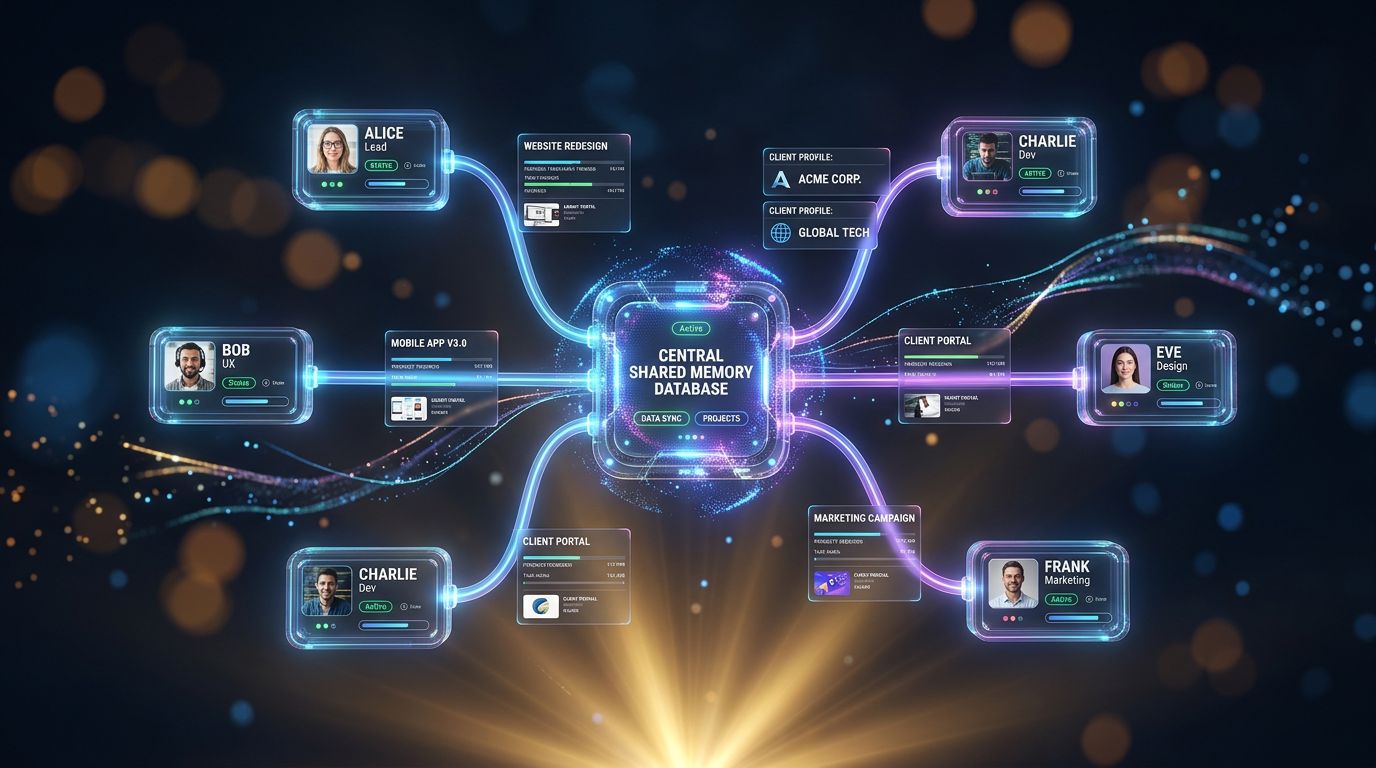
Real shared memory looks like this: a common vector space (pgvector, for example) where every interaction, every client data point, every project preference is stored and accessible to all authorized team members. The AI doesn’t remember “you” — it remembers “the project.”
“Collaboration isn’t a feature you add. It’s a constraint you integrate from the architecture.” — Nova-Mind founding principle
The difference is fundamental. In the first case, you’re managing intelligent silos. In the second, you’re building collective intelligence.
Here’s what it concretely changes for a 4-person agency:
- When a client calls and reaches anyone on the team, that person has access to the complete case context — not just notes in a Google Doc, but the history of AI interactions, decisions made, constraints expressed.
- When someone leaves the team, project memory stays. Not in their head. In the system.
- When you onboard a new collaborator, they don’t spend two weeks “catching up on context.” They ask questions to the AI. It answers with everything it knows about the project.
That’s augmented collaboration. Not real-time emojis.
The Real Cost of Lost Context
Let’s do the math. Not theory — numbers.
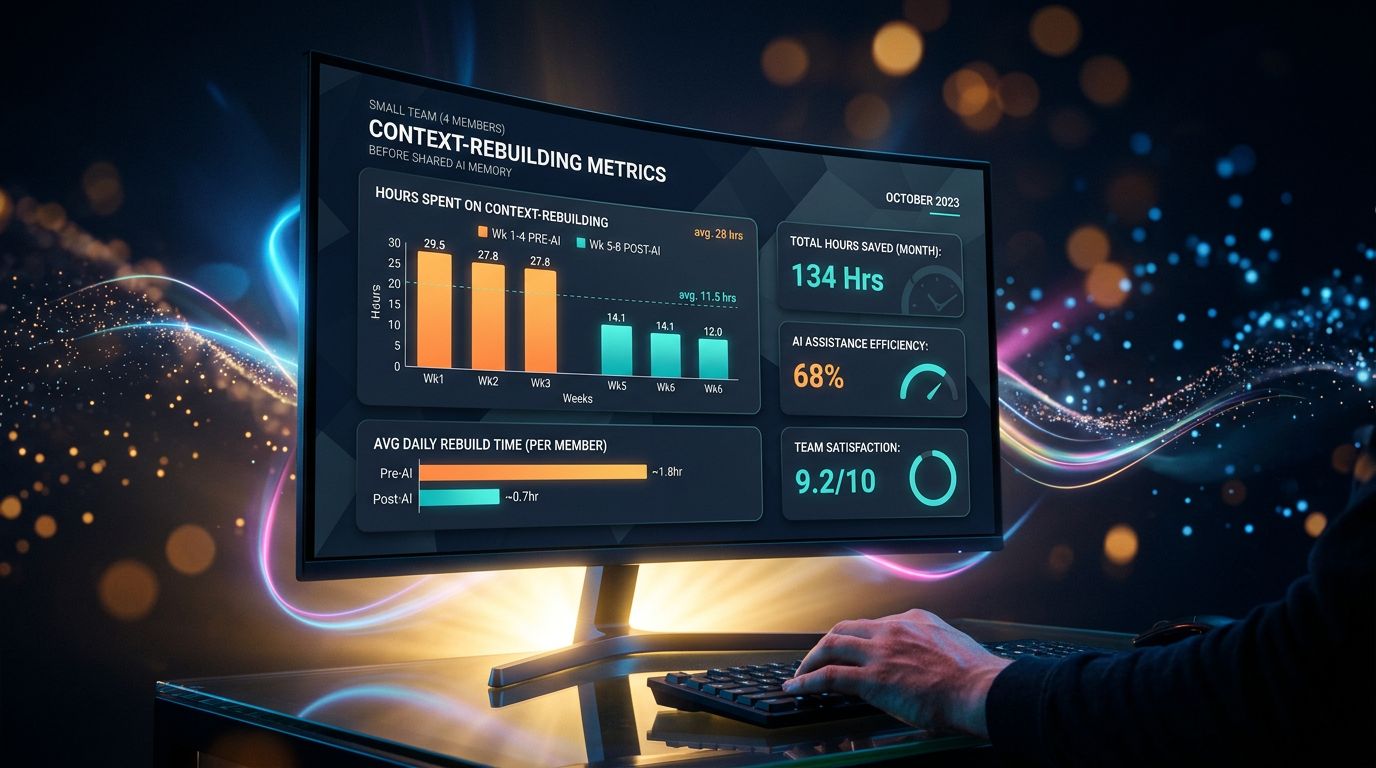
A 5-person digital agency. Each collaborator spends an average of 45 minutes per day “rebuilding context”: finding briefs, re-briefing the AI, searching for past decisions in Slack threads, re-reading emails to understand where a client stands.
45 minutes × 5 people × 22 working days = 82.5 hours lost per month.
At an average hourly cost of €50 for an agency, that’s €4,125 in evaporated value every month. Not in direct salaries — in unrealized productive capacity.
And that figure doesn’t count the invisible cost: context errors. The quote sent with the wrong assumptions because nobody saw last week’s note. The inconsistent client response because two people had different versions of the brief.
Let’s flip it: if your AI stack costs €200/month and recovers 30 team hours, you’re well ahead. If it costs €200/month and adds 10 hours of collective friction, you’re paying to slow yourself down.
Granular Collaboration: Who Sees What, Who Does What
Here’s where it gets interesting.
Shared memory solves the context problem. But it creates a new one: everyone sees everything? Really?
No. And that’s where access management becomes strategic.
A true augmented collaboration platform distinguishes AI context access levels. Not just “admin / member / visitor” on files. But on the memory itself. On clients. On projects. On what the AI can reveal to whom.
Concrete example: you have a sensitive client. Contract under renegotiation. You don’t want the intern managing social media to have access to strategic discussions about this account. But you want them to be able to use AI to generate content aligned with the client’s brand guidelines.
Two access levels. Same tool. Same AI. Context filtered by role.
That’s what Nova-Mind calls granular access management — owner, collaborator, viewer — applied not just to files, but to the system’s intelligence itself.
Experience has taught me that this is the layer teams overlook when choosing their tool. They look at features. They test the AI. They forget to ask: “Who can see what in the system’s memory?”
Three Signals Your AI Stack Isn’t Ready for Your Team
No need for a lengthy audit. Three questions suffice.
Signal 1: The new collaborator test. How long does it take someone joining your team to be operational on an existing project? If the answer exceeds one week, your context lives in people’s heads — not in the system. AI can’t help.
Signal 2: The client question test. If your client calls and reaches anyone on the team, can that person answer without searching? Without saying “I’ll call you back”? If not, your project memory is fragmented.
Signal 3: The AI consistency test. Ask two team members to pose the same question to your AI assistant about the same client. Do you get the same answer? Or two different versions depending on each person’s sessions?
If you answered “no” to at least two of these questions, your AI is still an individual tool disguised as a team solution.
What It Changes When It Actually Works
My attention to detail reveals something benchmarks don’t capture: the true value of augmented collaboration isn’t in recovered hours. It’s in decision quality.
When everyone works with the same context, decisions naturally align. No need for “status update” meetings. No need for summary documents nobody reads. AI carries the context. The team carries creativity and judgment.
An agency using Nova-Mind with a 4-person team described it like this: “We stopped meeting to remember where we are. We meet to decide where we’re going.”
That’s the shift.
Moving from AI as an individual productivity tool to AI as collective decision-making infrastructure. It’s not the same thing. It’s not the same investment. It’s not the same ROI.
And it starts with a simple architectural question: is your AI memory shareable? Not in theory. In practice. Right now.
Three Things to Do This Week
1. Audit your current context. List the 5 most important projects or clients for your team. For each, ask: where does the context live? In people’s heads? In scattered docs? In individual AI sessions? The diagnosis is often brutal — and necessary.
2. Run the consistency test. Take an active project. Ask two collaborators to pose the same question to your AI tool. Compare the answers. If they diverge, you have your answer about the state of your shared memory.
3. Ask the right question before the next tool. Before evaluating a new AI solution for your team, ask this single question: “Is memory shared between members, with granular access management?” If the salesperson hesitates, move on.
The Real Question Isn’t “Which AI?” but “Which Architecture?”
You can have the best language model on the market. If memory is siloed by user, your team will always work in parallel — never truly together.
Augmented collaboration isn’t a marketing term. It’s a technical constraint solved or not. And solving it costs less than you think — €39/month to start, versus thousands of euros in collective friction per year.
Nova-Mind was designed with this constraint at its core: persistent shared memory, role-based access management, project context accessible to the entire team via 36 MCP tools. Not a feature added after the fact. An architecture decision made from the start.
If your team is growing and your AI is regressing, it’s not an AI problem. It’s an architecture problem.
And that can be changed.
Test Nova-Mind with your team — 14 days to see if shared context truly changes how you work. No credit card required. Just the answer to your consistency test.
Share this article
Social networks
Analyze with AI

Charles Annoni
Front-End Developer and TrainerCharles Annoni has been helping companies with their web development since 2008. He is also a trainer in higher education.