

ProjectLibre on Mac: free and open source project management
Article Summary
📖 8 min readThis article presents ProjectLibre as a free, open-source alternative to paid project management software on Mac. It covers its key features, its limitations (no cloud collaboration), and the installation steps — including the Java dependency.
Key Points:
- ProjectLibre is a free, open-source alternative to Microsoft Project, built for desktop project planning.
- It excels at interactive Gantt charts, resource management, and cost tracking — and it can import .mpp files.
- Unlike cloud tools, ProjectLibre is a local application with no real-time collaboration, no web interface, and no push notifications.
- Installing it on macOS requires a prior installation of Java Runtime Environment — OpenJDK works well and is free.
- Many Mac teams are paying for project management features they never use, with expensive tools that overshoot their actual needs.
€47/month for a project management tool. Really?
After analyzing dozens of planning tools, here’s a ground-level truth worth sharing: most Mac teams are paying for features they never touch. Smartsheet, MS Project, Monday.io — three-figure monthly stacks for Gantt charts and task tracking.
ProjectLibre breaks that model. Free. Open source. macOS compatible. And honestly? For a lot of teams, it’s enough.
Let’s look at this straight.
What ProjectLibre is — and what it isn’t
ProjectLibre is a desktop project management application, open source, designed as a direct alternative to Microsoft Project. It runs on Java, which gives it cross-platform compatibility across macOS, Windows, and Linux with minimal friction.
What it actually does:
- Interactive Gantt charts with task dependencies
- Human and material resource management
- Cost tracking per task and per resource
- Native import of
.mppfiles (Microsoft Project format) - Basic exportable reports
What it isn’t: a real-time collaborative cloud tool. No instant sharing, no web interface, no push notifications. It’s a local planning application. Powerful within that scope, limited outside of it.
Clarity first. Knowing what you’re getting — or in this case, what you’re not paying for — is the foundation.
Installation on Mac: the one moment it gets tricky
Here’s where things get interesting. ProjectLibre runs on Java Runtime Environment. On Mac, that means one extra step most guides forget to mention.
Step 1 — Java first. Download and install OpenJDK (Adoptium recommended, free). Without it, the application won’t launch.
Step 2 — Download ProjectLibre. Available on SourceForge. .dmg file for Mac.
Step 3 — Bypass Gatekeeper. macOS will block the app on first launch because it isn’t signed through the App Store. Fix: right-click → Open → Confirm. Once only.
Five minutes. Not ten. That’s the reality.
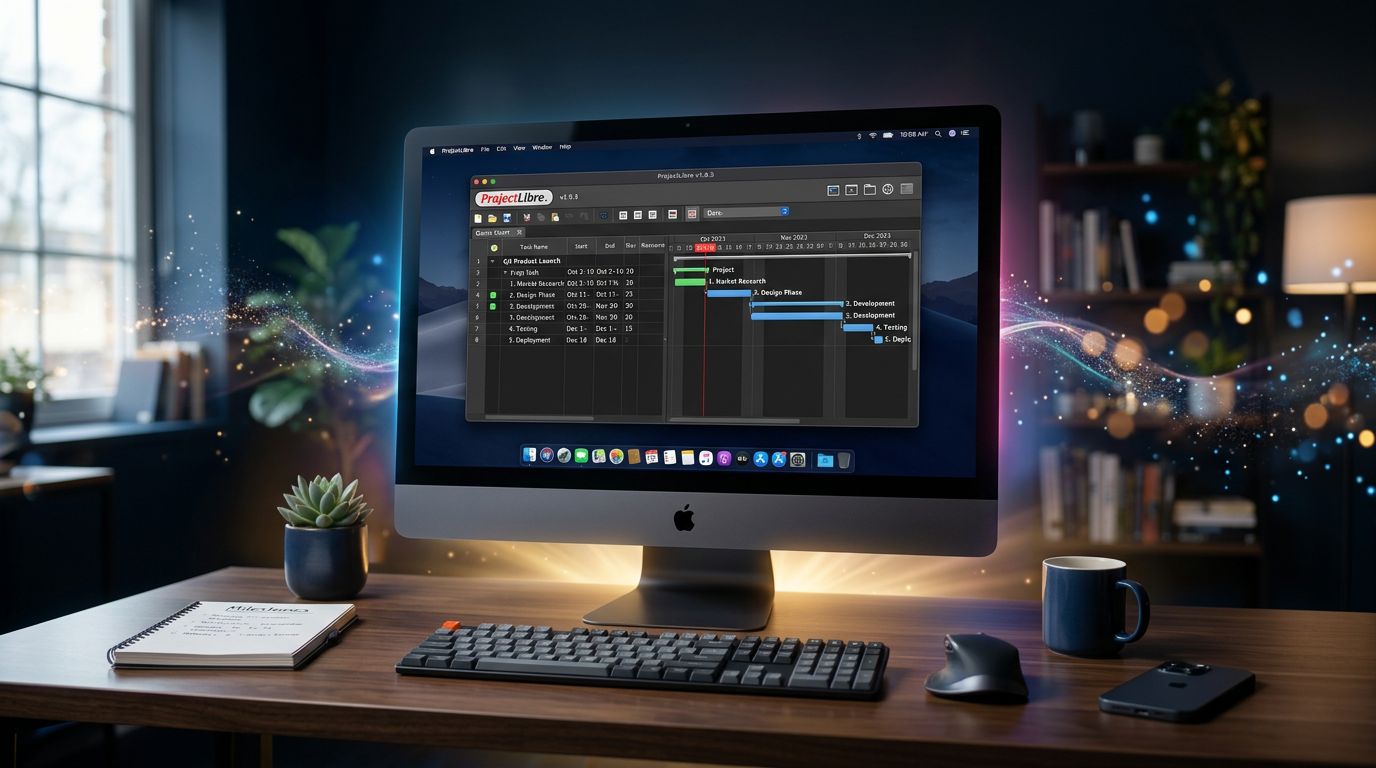
That initial friction puts some users off. Understandable. But if your team manages complex projects and you’re looking to save €400/year, five minutes of setup is worth it.
The features that actually matter
My attention to detail pushed me to test ProjectLibre on real projects. Here’s what holds up.
The interactive Gantt chart
The heart of the tool. You create tasks, define durations, set dependencies (Finish-to-Start, Start-to-Start, Finish-to-Finish). The chart updates in real time. Manipulation becomes fluid once you’re past the learning curve — expect two to three sessions before you feel comfortable.
Milestones are handled natively. You can mark key deliverables, link them to phases, and visualize the critical path. On projects with 20 to 50 tasks, it’s precise and readable.
Resource management
What most people miss about ProjectLibre: its resource management is serious. You assign people or equipment to tasks with a utilization rate (50%, 100%, 200%). The tool automatically flags overloads — a resource booked at 150% in a given week shows up in red.
For a freelance project manager handling multiple consultants, that’s genuinely useful. No need for a parallel spreadsheet to track who’s doing what.
Microsoft Project compatibility
Working with clients on MS Project? ProjectLibre reads and exports .mpp files. Not perfectly — formatting can drift on complex projects — but the structural data comes through correctly. It’s a useful bridge in mixed-tool environments.
“The best tool is the one you actually use, not the most expensive one.” — Basic principle, often forgotten.
Limitations you shouldn’t overlook
Full transparency. ProjectLibre has real blind spots.
No real-time collaboration. This is the hard blocker for distributed teams. No task comments, no notifications, no live shared view. You’re working on a local file. If two people edit the same file at the same time, you handle the conflicts manually.
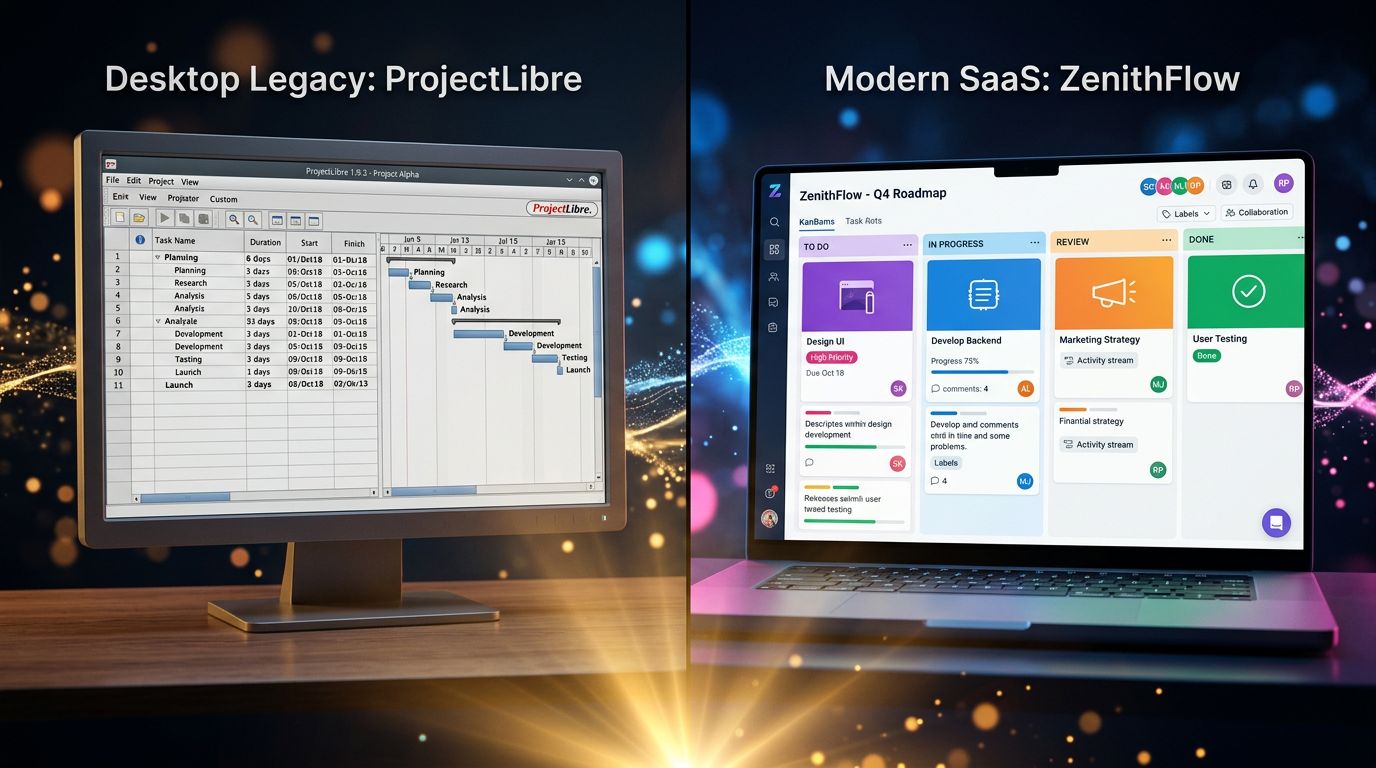
Dated interface. The UX belongs to the 2010s. It works, but it’s visually sparse. On Mac, where users expect polished interfaces, the contrast is noticeable.
No mobile app. None. Not iOS, not Android. Checking project status from your phone? Not possible with ProjectLibre alone.
Limited reporting. Exports are basic. If you need advanced reporting for demanding stakeholders, you’ll have to supplement with other tools.
Community support, not professional. Open source means support lives in the community. For mission-critical environments, that’s a risk worth factoring in.
Who ProjectLibre actually makes sense for
Let’s flip the framing. Rather than listing generic use cases, here are the profiles for whom ProjectLibre is a rational choice.
The solo freelance project manager. You manage your own projects, you don’t need real-time collaboration, and you want a clean Gantt without paying €30/month. ProjectLibre is your tool.
Teams with tight budget constraints. SMEs, nonprofits, public-sector teams with procurement rules — when the software budget is zero or near-zero, ProjectLibre delivers 80% of MS Project’s functionality at €0.
Projects with MS Project deliverables. If your client or stakeholder works in Microsoft Project and expects .mpp files, ProjectLibre lets you work in that format without paying for a license.
Users learning formal project management. WBS, critical path, resource management — ProjectLibre implements PMI standards. It’s an excellent learning environment.
That said, if your team exceeds five people, works asynchronously across time zones, or needs integrations with Slack, GitHub, or a CRM — look elsewhere.
ProjectLibre vs. the alternatives: the honest comparison
Experience has taught me that comparisons without context are useless. Here are the direct alternatives, with their real positioning.
GanttProject — Also free and open source, even lighter than ProjectLibre. Ideal for simple projects. Less capable on resource management.
Notion + Gantt templates — Flexible, collaborative, but not a true planning tool. Task dependencies remain limited. A good complement, not a replacement.
ClickUp (free plan) — Collaborative, cloud-based, with a Gantt view. Free up to a point. If collaboration is the priority, it’s a stronger starting point than ProjectLibre.
Nova-Mind — If you’re looking for a tool that combines project management, CRM, an AI assistant with persistent memory, and content automation in a single desktop app — that’s a different category altogether. Not a ProjectLibre replacement, but a complete alternative for freelancers and agencies who want their tools to work for them. From €39/month.
The question isn’t “which tool is best” — it’s “which tool fits my actual workflow.”
3 actionable insights to get started with ProjectLibre
1. Start with a completed project. Before planning a live project, reconstruct a past one in ProjectLibre. You learn the interface without pressure, and you calibrate your duration estimates.
2. Standardize your WBS. Create a Work Breakdown Structure template for your recurring project types. ProjectLibre lets you save base files. One hour invested once = dozens of hours saved.
3. Export to PDF regularly. Since sharing .pod files (native format) isn’t universal, make a habit of exporting your Gantt to PDF after every major update. Simple, readable by everyone, archivable.
The verdict: solid tool, specific context
ProjectLibre holds up. Not for everyone, not for every case — but for what it does, it does it well.
If you’re on Mac, managing projects with formal structure (phases, dependencies, resources), and you don’t need real-time cloud collaboration, this is a rational choice at €0. The learning curve is real but short. The interface is austere but functional. MS Project compatibility is a genuine asset in mixed environments.
What nobody tells you: the best tools aren’t the ones that do everything. They’re the ones that do exactly what you need, without unnecessary friction.
If ProjectLibre fits your context, download it and test it on a real project. Two hours is enough to know whether it’s your tool.
And if you’re looking for something that combines project management, AI memory on your clients, and content automation in a single desktop app — Nova-Mind is built for that. Different category, but possibly exactly what your workflow needs.
Ship what works. Iterate on the rest.
Share this article
Social networks
Analyze with AI

Charles Annoni
Front-End Developer and TrainerCharles Annoni has been helping companies with their web development since 2008. He is also a trainer in higher education.